
Free Online Password Generator
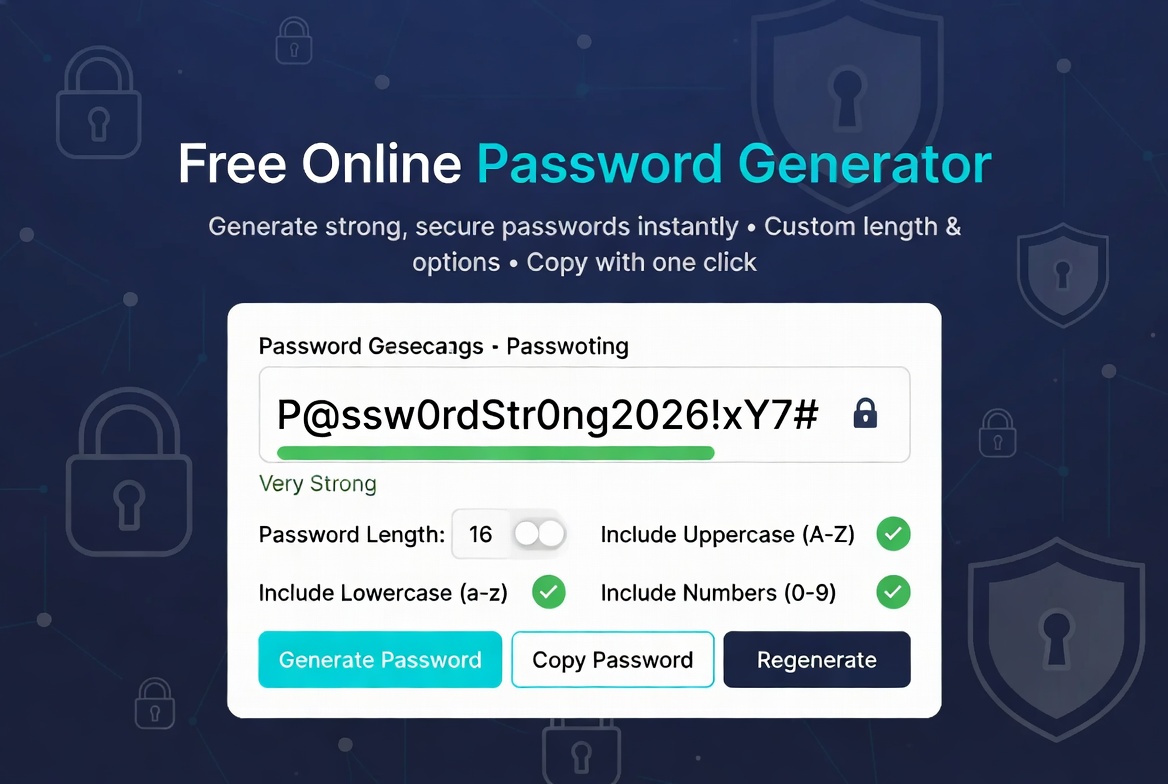
Generate strong, secure, and random passwords instantly. Customize length, numbers, symbols & uppercase letters.
What Is a Free Online Password Generator?
A free online password generator creates strong, random, and secure passwords instantly. It helps protect your accounts by generating complex passwords that are difficult to guess or crack.
Our tool allows full customization so you can create passwords exactly as per your security needs.
Why Use a Password Generator Tool?
Weak passwords are one of the biggest security risks. This password generator helps you:
- Create strong and unique passwords for every account
- Avoid using easy-to-guess passwords like "password123"
- Meet modern security requirements
- Save time while improving account safety
Key Features
- Customizable password length (8–32 characters)
- Options for uppercase, lowercase, numbers & symbols
- Instant password generation
- One-click copy functionality
- 100% private — generated in your browser only
Who Should Use This Tool?
This password generator is essential for:
- Everyone who wants better online security
- Freelancers and professionals managing multiple accounts
- Developers and system administrators
- Students and regular internet users
How Our Password Generator Works
Adjust the length and options, then click "Generate New Password". The tool creates cryptographically strong passwords locally in your browser. You can combine it with our Word Counter Tool or Case Converter Tool for complete utility.
Popular Alternatives
Other reliable tools include LastPass Password Generator and PasswordsGenerator.net.
Frequently Asked Questions
Is this password generator secure?
Yes. All passwords are generated locally in your browser. Nothing is sent to our servers.
How long should my password be?
We recommend 16+ characters for strong security. Longer passwords are significantly more secure.
Can I use special symbols?
Yes. You can enable or disable symbols, numbers, and uppercase letters as needed.